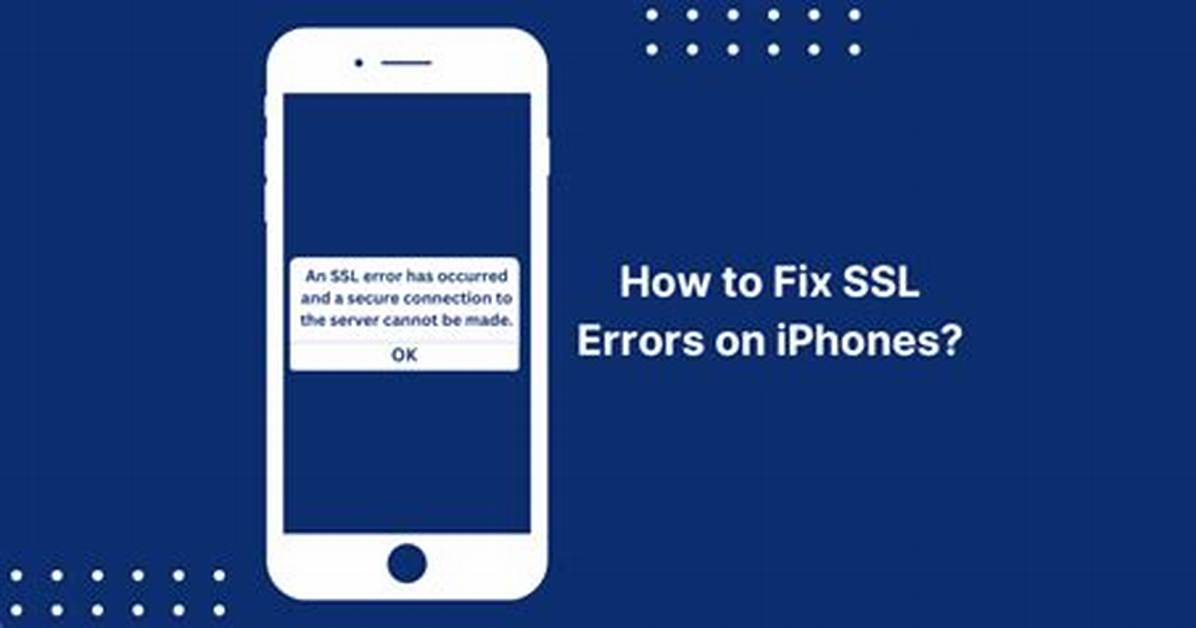
SSL Error on iPhone: SSL errors can occur on iPhones for various reasons, such as incorrectly configured security settings, SSL certificate issues on websites, or compatibility problems with outdated iOS versions. Here are some methods to fix these errors:
1. Enable and Disable Airplane Mode
Temporary communication glitches on your iPhone may trigger SSL errors. Enabling and disabling Airplane mode can often resolve this issue, as it reinitializes the communication modules.
2. Correct Date and Time
Ensure that the date and time on your iPhone are accurate. An incorrect date or time can lead to SSL errors, as the server may struggle to process SSL data packets with incorrect timestamps.

